


Motion art direction
Lucid Suite videos
I storyboarded and designed a Lucid Suite product walkthrough and an explainer, then handed them to motion to animate.
- Ryker art directed a 30-second product walkthrough for the Lucid Suite at Lucid Software, doing all the storyboarding and design before handing off to motion.
- He also directed an explainer video for the Lucid Suite.
- The Lucid Suite brings Lucidchart and Lucidspark together. The video shows the product as simplified, isometric layers on black instead of literal screen recordings.
Summarized by AI from this page. The long version is below.
The brief
The Lucid Suite brings Lucidchart and Lucidspark together. I art directed a 30-second product walkthrough and directed an explainer video. On both, I did all the storyboarding and design, then handed the frames to motion to animate.
Showing the product without screenshots
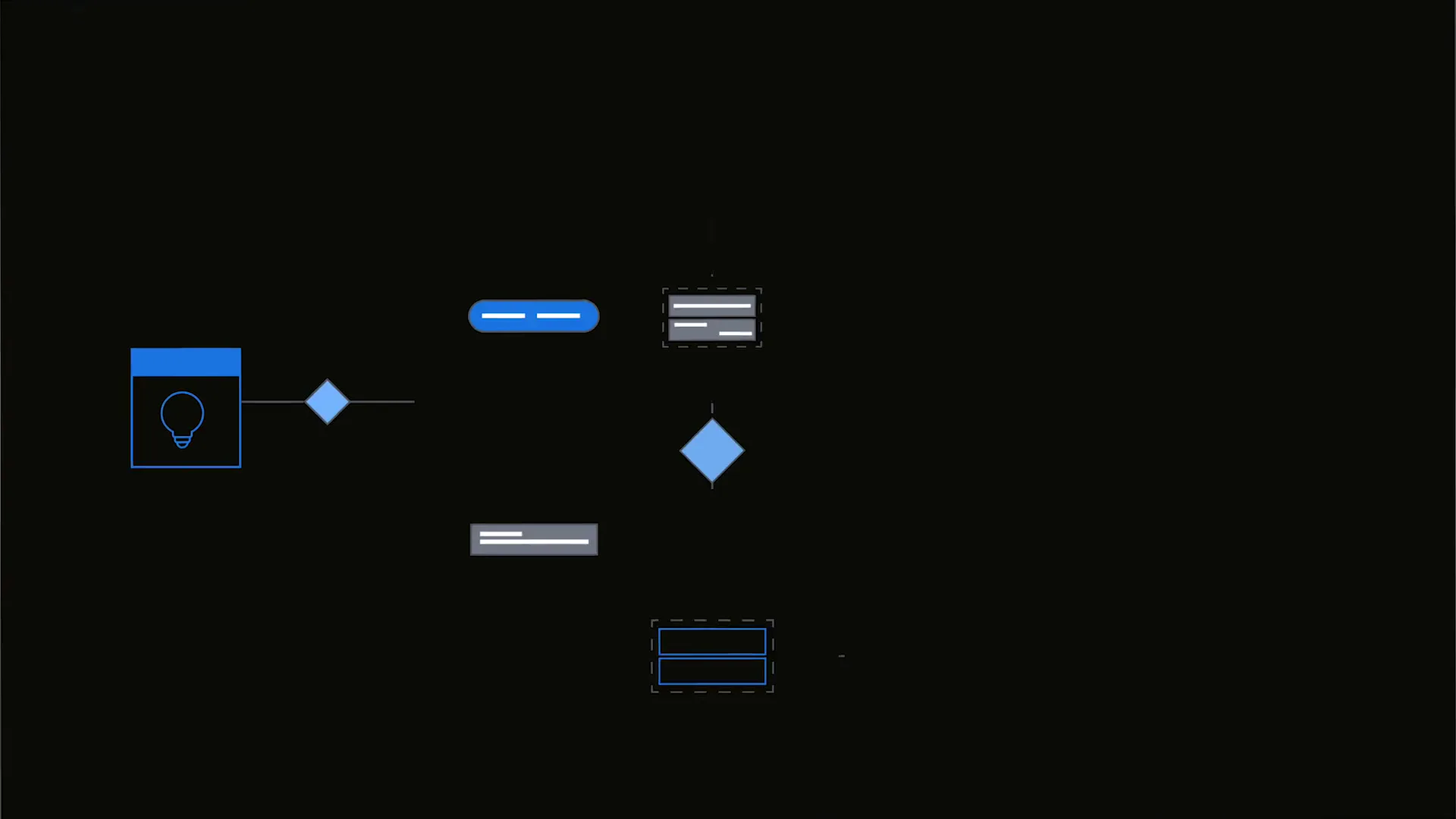
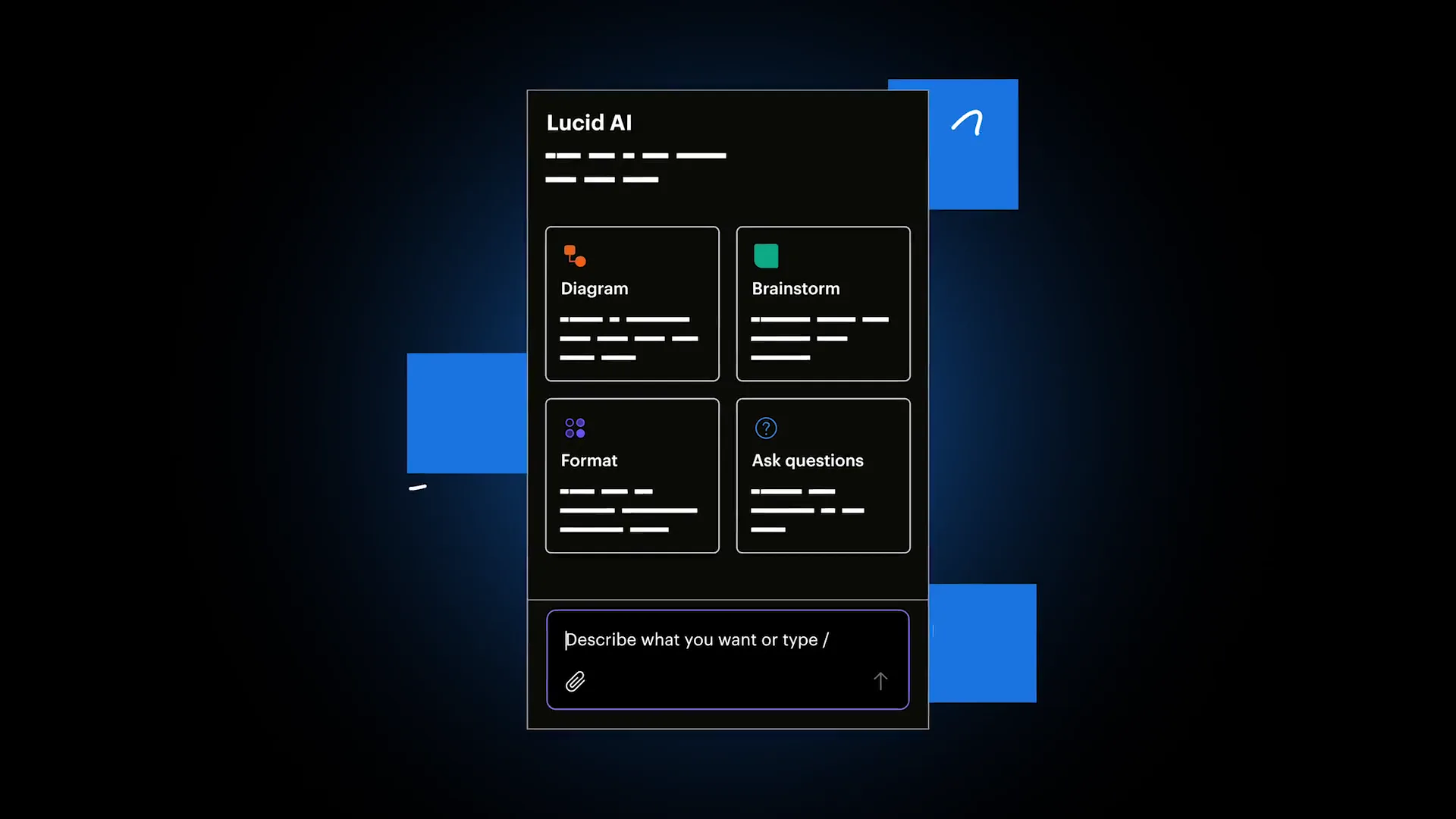
Screen recordings date fast and are hard to read at video speed. So the walkthrough shows the product as a simplified version of itself: shapes and lines in Lucid blue, glowing on black, with text reduced to gray bars. You read what the product does, not the words on the screen.
Isometric layers
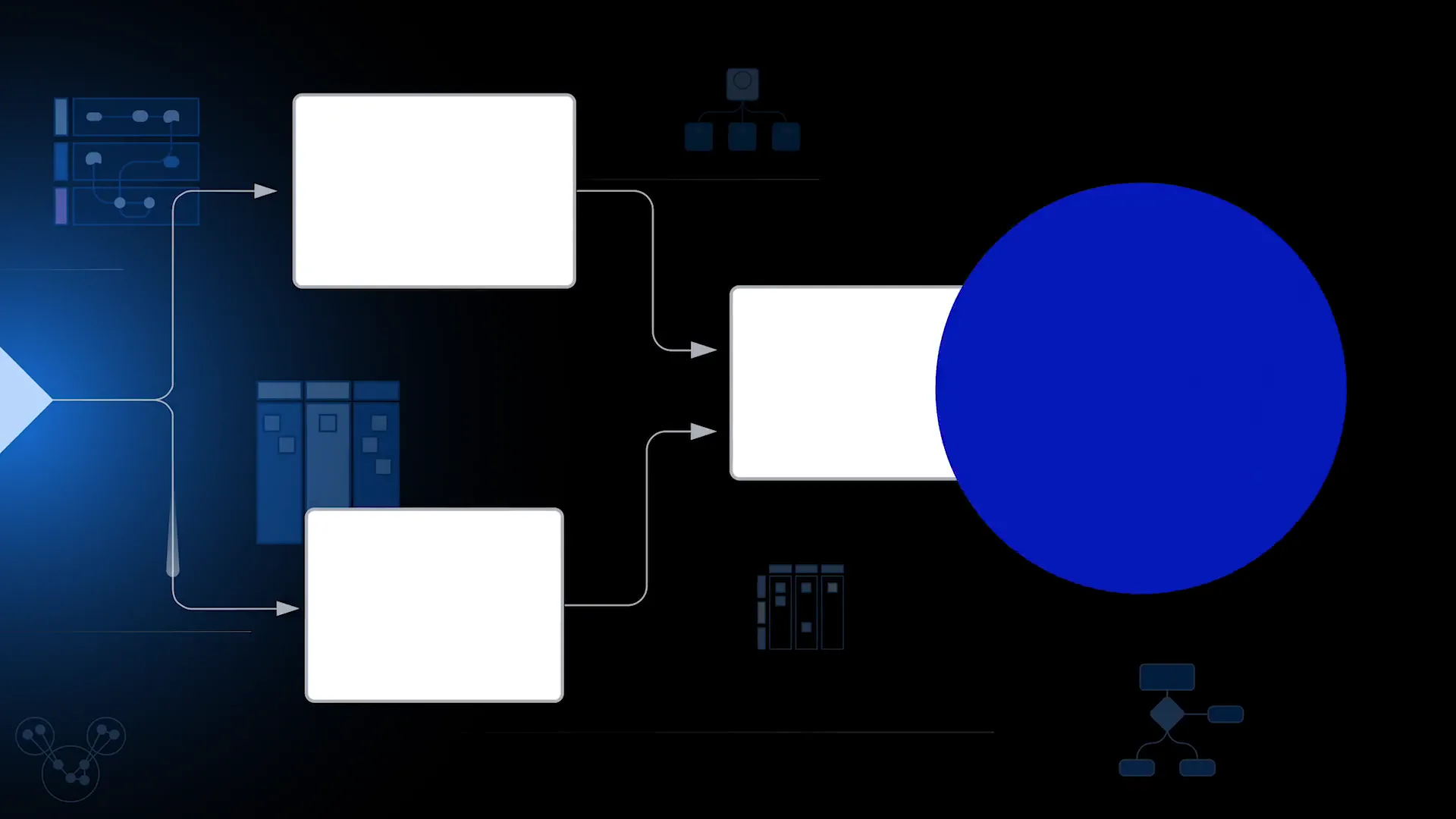
The suite is several products working as one, so the main visual idea is layers. Boards stack and tilt into isometric space, and the camera moves through them, the way work moves from a brainstorm in Lucidspark to a diagram in Lucidchart.
The explainer
The longer explainer, which I directed.